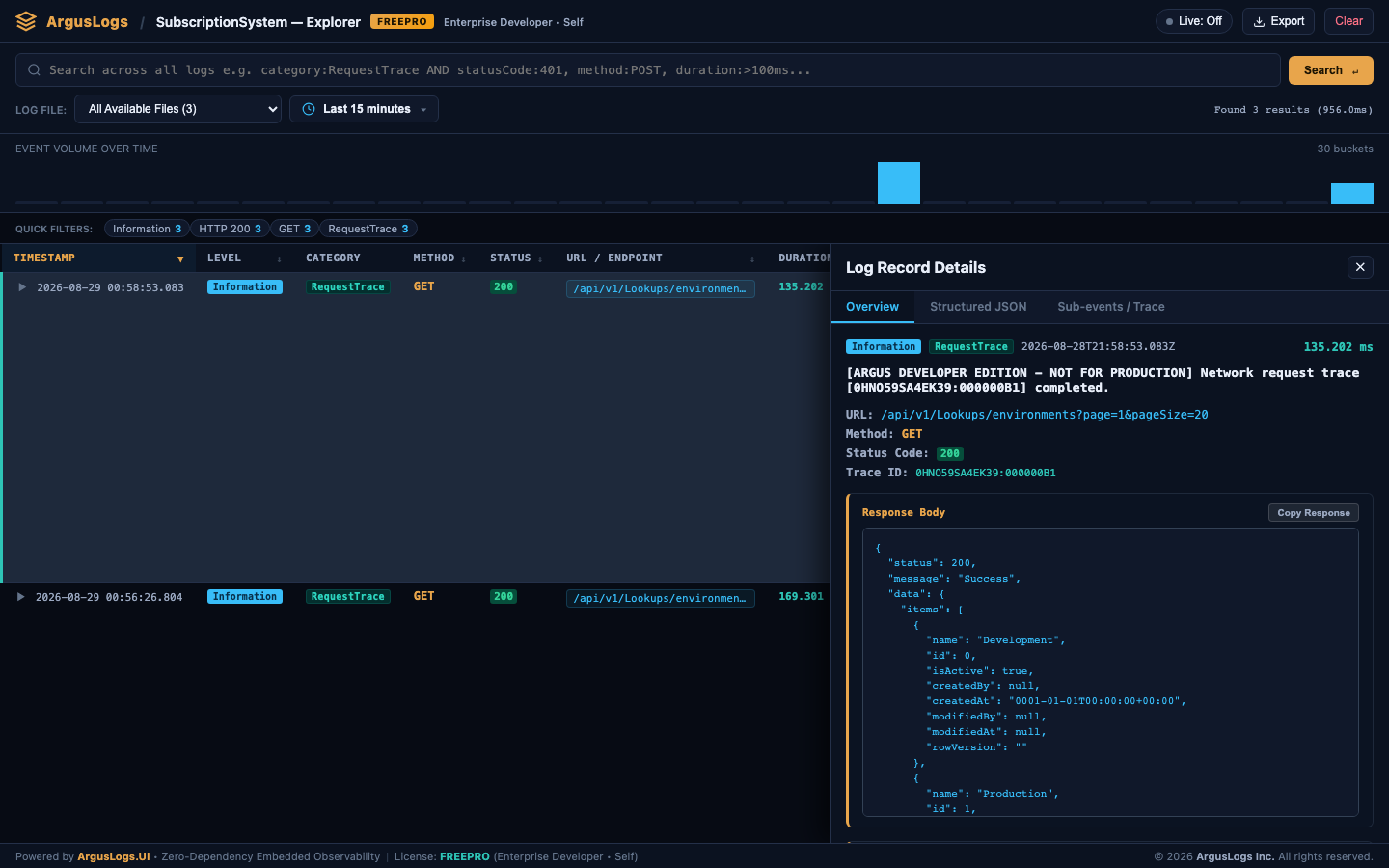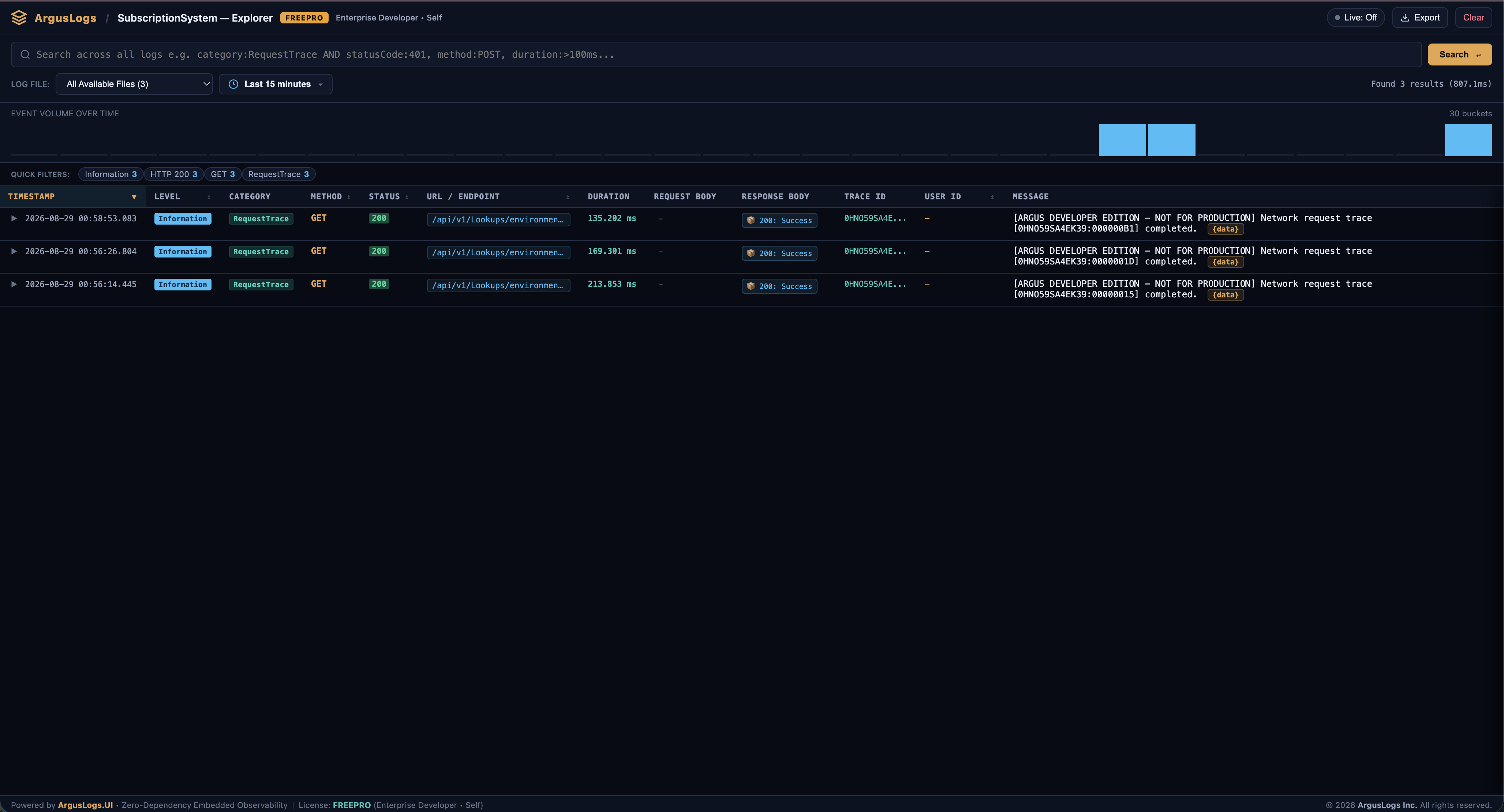
What ArgusLogs.UI provides
ArgusLogs.UI is not a separate hosted product—it ships as a NuGet package that adds middleware and static assets to your app. Operators and developers get trace lists, method detail, SQL and HTTP child spans, and filters without leaving the application. TieredStorage keeps recent telemetry in SQLite and older data in compressed archives.
Install UI packages
You need ArgusLogs core (already installed), plus ArgusLogs.TieredStorage and ArgusLogs.UI at the matching version:
dotnet add package ArgusLogs.TieredStorage --version 1.0.11-alpha.2608292142
dotnet add package ArgusLogs.UI --version 1.0.11-alpha.2608292142
Configure Program.cs
Register TieredStorage inside AddArgus(), then call UseArgusUI() after UseArgus(). Place UseArgusUI before UseAuthorization() when protecting the viewer route.
using ArgusLogs;
using ArgusLogs.UI;

builder.Services.AddArgus(options =>
{
    options.SetLicense(builder.Configuration["ArgusLogsKey"] ?? "")
        .WithTieredStorage(opt =>
        {
            opt.SqliteConnectionString = "Data Source=logs/argus_hot.db;Cache=Shared";
            opt.ArchiveDirectory = "logs/archives";
            opt.RetentionDays = 7;
            opt.BatchSize = 10_000;
        });
});

var app = builder.Build();

app.UseAuthentication();
app.UseArgus();
app.UseArgusUI(options =>
{
    options.RoutePrefix = "/argus-logs";
    options.DocumentTitle = "My App — Argus Diagnostics";
});
app.UseAuthorization();
Open the dashboard
Run your app and navigate to https://localhost:{port}/argus-logs (or your configured RoutePrefix). Use trace search, expand nested spans, and inspect woven [LogMethod] output. For a guided tour with screenshots, open the UI walkthrough in the developer tutorial.